
01
Choose a listing
Filter the catalog by bank age, limit, and price. Each card shows the slot count that is still open.
Tradeline Assist
Tradeline Assist helps you compare aged lines, reserve a slot, and follow the order until the issuer’s reporting window. The age, limit, and price stay on the receipt.
Most lines are prepared for the next reporting cycle. You see the date on the listing before you pay.
01
Filter the catalog by bank age, limit, and price. Each card shows the slot count that is still open.
02
Create an account, accept the terms, and check out with the payment method that is turned on.
03
Your portal shows the same order the team is working, from payment through fulfillment.
Age saved on the order Limit the band you compare Slots gone from the catalog at zero Window the reporting cycle, stated up front
A cardholder asks the issuer to add you. You do not receive a card, and you are not opening an account in your own name. The purchase is the placement. A quoted point total is a guess.
Credit maximizer
Enter a score, a utilization percentage, and an average account age. The page ranks the cards that are still open. The fit number compares those printed facts. It does not estimate new points.
Open the maximizer
On the desk
Age, limit, price, open spots, and the reporting date sit on the card. If a figure is missing, the card says Ask.
01
The price and description are copied onto the order.
02
The gateway that is switched on takes the payment, or you confirm the order if cards are off.
03
The same status shows in your portal and in the admin portal.
04
You plan around the issuer window printed on the listing.
The file. If recent late payments or collections are on the file, say so. A line is sometimes the wrong tool.
The window. Issuers report on their own calendar. Buying just after a report usually means waiting for the next cycle.
The promise. You are buying a placement on an existing account. You are not buying a score, a loan, or a new card in your name.
Checkout copies the card you saw: the name, the price, the age, the limit, and the reporting date. A later edit to the public listing does not rewrite that order.
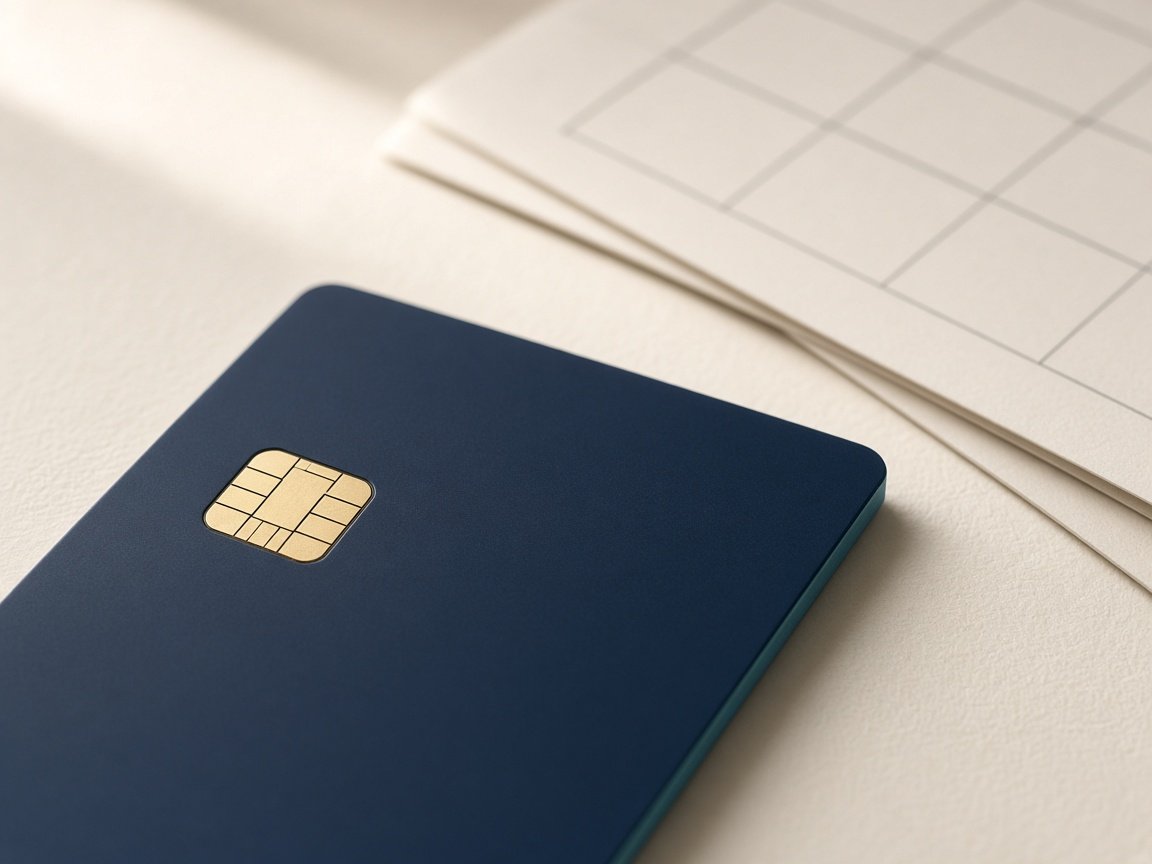
The picture is a stand-in, and the number on the card is masked. You are buying a place on an account that already exists. The issuer still decides how that account reports.
Compare the open cards★★★★★
“The listing matched what posted on my file. I could see the order status without emailing anyone.”
“Clear prices and a real person answered before I paid. The reporting window was the date on the card.”
“I compared three lines and bought the one with the age I needed. Checkout took a few minutes.”
“Support replied the same day with the order number in the subject. The slot count on the site was accurate.”
“I liked that the receipt kept the description I purchased. No surprise change after I paid.”
“Straightforward catalog. I knew the limit and the age before I created an account.”
October 15, 2026 · Journal
After you check outWhere the order lives, who replies, and when to write to support.
Also How to compare two listings, How an authorized-user line is reported · All articles
It is a placement on someone else’s existing card account. When the issuer reports the account, its age, limit, and payment history can appear on the authorized user’s credit file.
No. You are added as an authorized user for reporting. You do not get a card to spend with, and you are not opening a new account in your own name.
Most buyers plan around the issuer’s next reporting cycle. The listing should show that window. Some files update a few days later, and a few take longer than the first expected date.
No specific score is promised. A seasoned account can change the age and utilization a model sees. Recent negative items can matter more than a new line.

Order questions use the contact form. A seller account opens a seller portal where inventory notes are filed. An owner or administrator still decides what is published.
The catalog is open to read. Create an account when you are ready to reserve a slot.